 BlinkEntry
Register guests and run check-in with QR codes from any device
BlinkEntry emails every guest a personal QR code, checks them in at the door with one scan, and keeps all your team’s devices in sync live. Nothing to install, nothing complicated.
Just three steps
From registration to the door, everything in one place.
Register guests
Add guests on the registration screen, or import your whole list from Excel, CSV or Google Forms.
Send QR codes
Each guest gets an email with their name and their own QR code, sent from your email (Gmail or company email).
Scan at the door
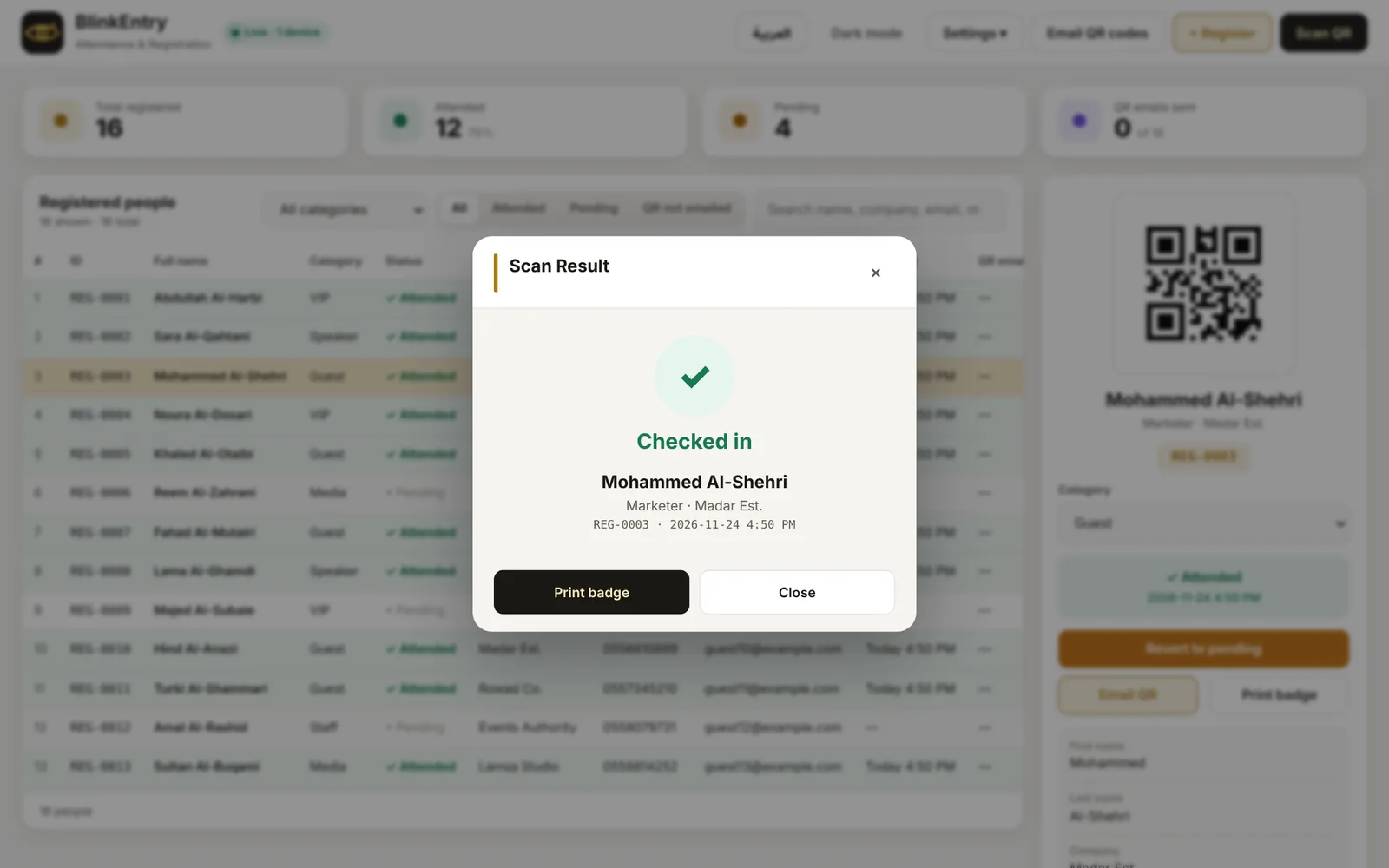
With any QR scanner or a phone camera: green for checked in, orange for already in, red for not registered.
Everything your event needs
Built to be fast at the door, even with hundreds of guests.
Your own event link
You get a link with your name that your team opens in any browser after signing in.
All devices in sync, live
Laptop, tablet or phone: every registration and check-in shows on every device instantly.
QR scanner or camera
Works with any USB scanner, or straight from a phone camera with no extra hardware.
QR codes by email
Send everyone their code in one click from Gmail or your company email, never twice to the same guest.
Badge printing
Print a guest badge with name, company, category and QR code, in the size you need.
Excel report in one click
Download an Excel file with attendance and check-in times any time, even after your subscription ends.
Your name and logo
Your team and guests see the program with your name and logo, not ours.
Quick import
The program recognises your file’s columns by itself and skips duplicate guests.
Arabic & English
A full interface in both languages, light and dark, on big screens and phones.
A clear interface your team gets in a minute
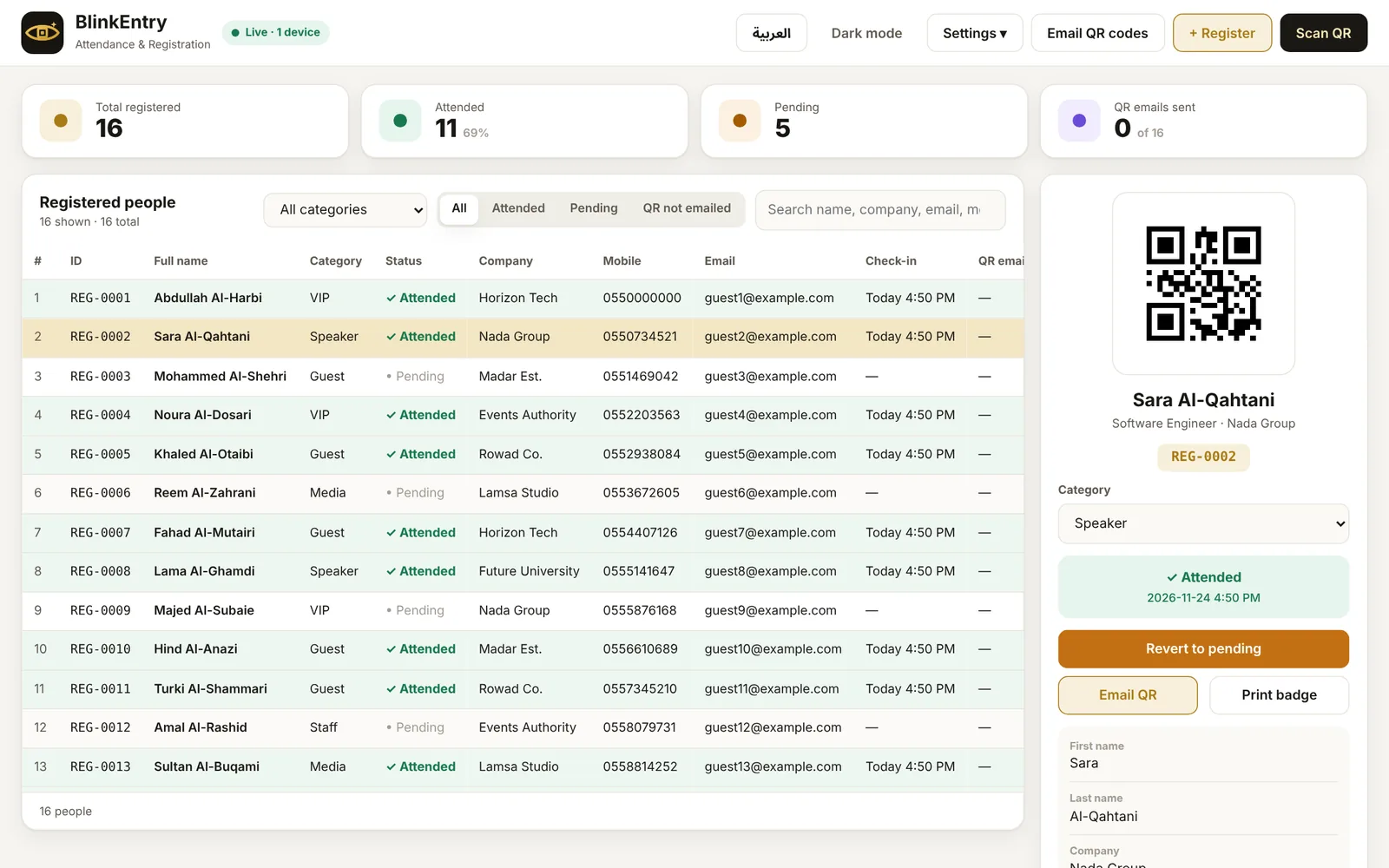
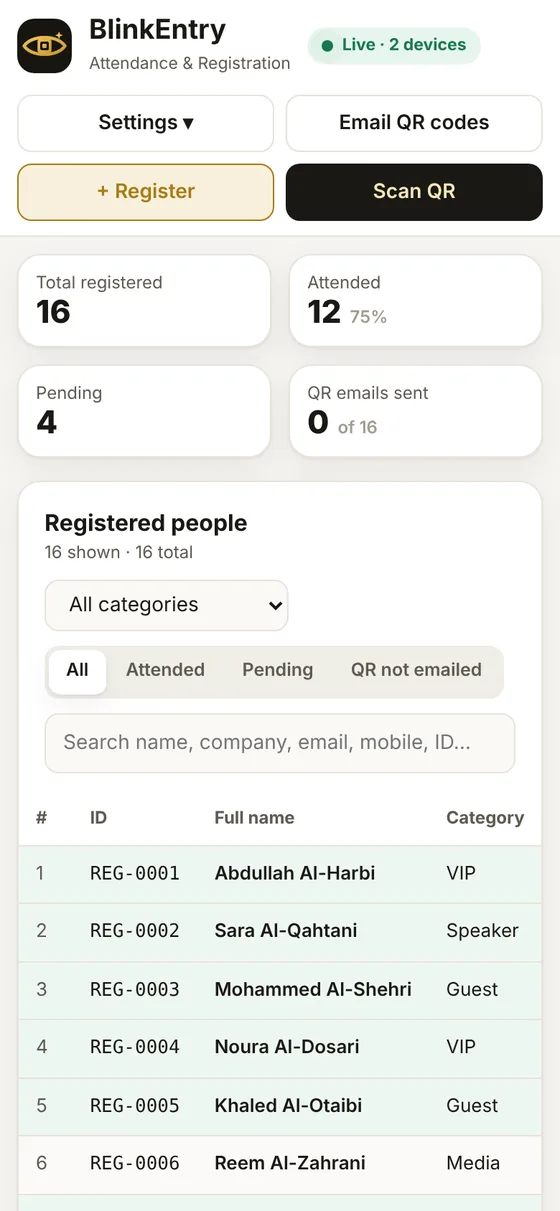
Real screenshots of the program.
Any event with registration and attendance
Ready for your event in no time
We rent the program for as long as your event needs.
Pick the period
Choose your event date and how long you need it.
We set up your account
We create your own link with your name and logo, plus a username and password.
Start right away
Open the link on any device and start registering and sending QR codes.
The price depends on the subscription length and the size of your event.
Quick answers
Do I need to install anything?
No. BlinkEntry runs in the browser on a computer, tablet or phone. Just open your link and sign in.
How many devices can I use?
Any number of devices on the same account, all showing the same data live.
Which QR scanner works with it?
Any USB QR or barcode scanner. You can also scan with a phone or laptop camera.
Are the QR codes sent from my email?
Yes. Connect your email once (Gmail, Outlook or company email) and the emails arrive in your name.
What happens to my data when the subscription ends?
The program stops, but you can still download the Excel file with all guests and attendance.
Does it need internet?
Yes, because the devices share data over the internet. We recommend a stable connection at the venue, with a mobile data backup.